50 Canva Instagram Post Ideas That Actually Drive Engagement
Struggling to come up with fresh content for your Instagram? You’re not alone. The average content creator spends over 3 hours weekly brainstorming post ideas, only to see minimal engagement. But here’s the secret: you don’t need to reinvent the wheel every time you post.
With the right Canva Instagram post ideas, you can create scroll-stopping content that your audience actually wants to engage with. Whether you’re a business owner, influencer, or social media manager, this comprehensive guide will give you 50 proven post concepts that drive real results.
The best part? All these ideas can be easily created using Canva’s intuitive platform, even if you have zero design experience. Ready to transform your Instagram presence? Let’s dive in.
Table of Contents
Why Canva Is Perfect for Instagram Content Creation
Before we explore specific Canva Instagram post ideas, let’s understand why Canva has become the go-to tool for millions of creators worldwide.
Canva offers over 250,000 professionally designed templates specifically optimized for Instagram. The platform’s drag-and-drop interface means you can create stunning visuals in minutes, not hours. With built-in Instagram dimensions, brand kit features, and a massive library of stock photos, Canva eliminates the technical barriers that often prevent consistent posting.
Studies show that accounts using well-designed visuals get 94% more views than those posting low-quality images. Canva levels the playing field, allowing anyone to create professional-grade content without hiring expensive designers or learning complex software like Photoshop.
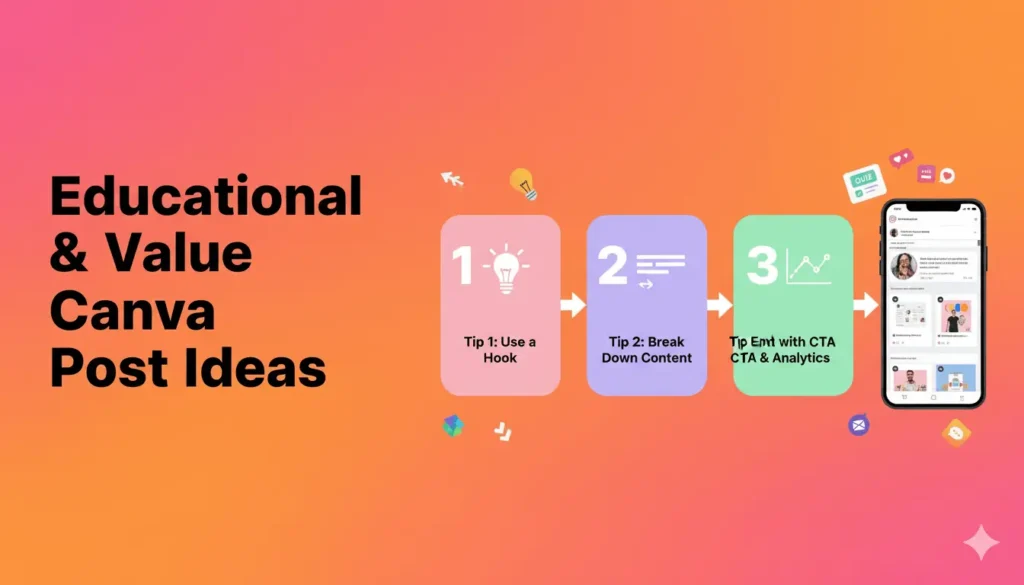
Educational & Value-Driven Canva Instagram Post Ideas
1. Quick Tips Carousel
Create multi-slide carousels sharing 5-10 quick tips related to your niche. Use Canva’s carousel templates with consistent branding across each slide. These posts perform exceptionally well because users swipe through, increasing your engagement metrics.
Example: “10 Time-Saving Hacks for Busy Entrepreneurs”
2. Step-by-Step Tutorials
Break down complex processes into simple, visual steps. Canva’s numbered templates work perfectly for this format. Include screenshots, icons, and brief explanations.
Example: “How to Set Up Your Email Marketing in 5 Easy Steps”
3. Myth vs. Fact Posts
Address common misconceptions in your industry. Use Canva’s split-screen templates to show “Myth” on one side and “Fact” on the other. This format is highly shareable.
Example: “Myth: You Need 10K Followers to Make Money. Fact: Micro-influencers often have higher engagement rates”
4. Did You Know Facts
Share surprising statistics or little-known facts. Use bold typography and eye-catching backgrounds. These Canva Instagram post ideas generate comments and saves.
Example: “Did you know? 79% of people say user-generated content highly impacts their purchasing decisions”
5. Before & After Transformations
Showcase results using Canva’s comparison templates. Whether it’s client work, personal growth, or product improvements, visual proof builds credibility.
6. Common Mistakes Series
Create posts highlighting errors people make in your niche. Use warning colors (red, orange) and clear typography. Offer solutions in the caption.
7. Tool Recommendations
Share your favorite tools, apps, or resources. Create visually appealing lists using Canva’s checklist templates with icons and brief descriptions.
8. Glossary Posts
Define industry jargon or technical terms. This positions you as an authority while helping beginners. Use clean, minimal designs with the term prominently displayed.
9. Weekly Challenge Posts
Launch recurring challenges that encourage audience participation. Design branded templates that followers will recognize week after week.
10. Infographic Data
Turn statistics into visual stories. Canva’s chart and graph templates make complex data digestible and shareable.
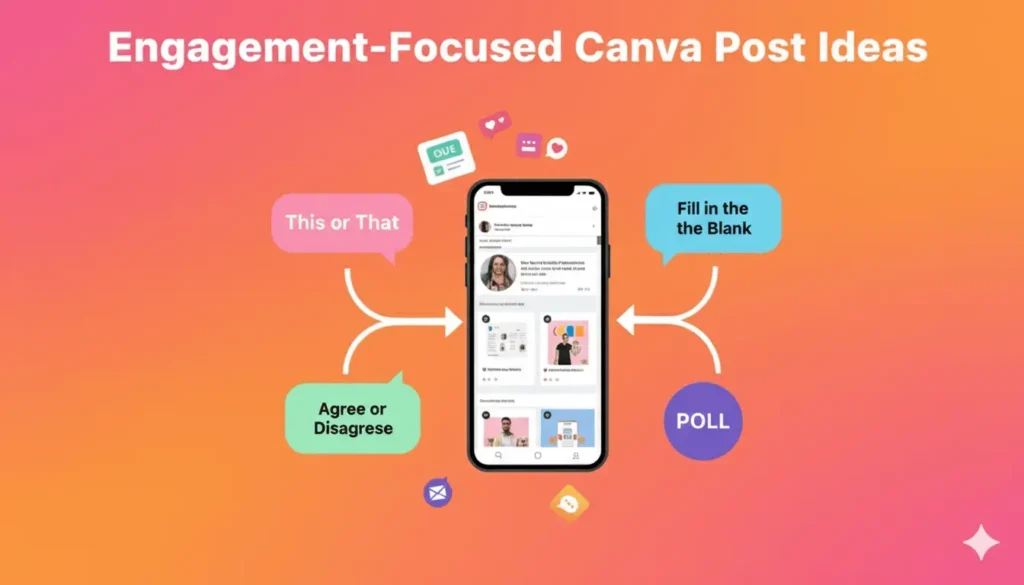
Engagement-Focused Canva Instagram Post Ideas
11. Fill in the Blank Posts
Create interactive content where followers complete sentences in comments. Use playful fonts and colorful backgrounds.
Example: “My favorite productivity tool is _____”
12. This or That Questions
Present two options and ask followers to choose. These simple posts generate massive comment engagement.
Example: “Coffee or Tea? ☕”
13. Caption This
Post a funny or interesting image and ask followers to provide captions. Winner gets featured or receives a prize.
14. Poll Graphics
While Instagram has built-in polls for Stories, static poll posts in your feed can drive conversation. Use Canva to create visually appealing poll graphics.
15. Tag Someone Who…
Create relatable scenarios and encourage followers to tag friends. These posts expand your reach organically.
Example: “Tag someone who needs this reminder today”
16. Rate This Out of 10
Show a product, setup, design, or idea and ask for ratings. Simple but effective for engagement.
17. Would You Rather
Present two scenarios and let your audience choose. Use Canva’s split templates for visual impact.
18. Unpopular Opinion Posts
Share controversial (but professional) takes related to your niche. These spark healthy debates and comments.
19. Question Boxes
Design posts specifically asking followers to share their questions. Compile answers for future content.
20. Agree or Disagree Statements
Make bold statements and invite discussion. Use strong typography and contrasting colors.
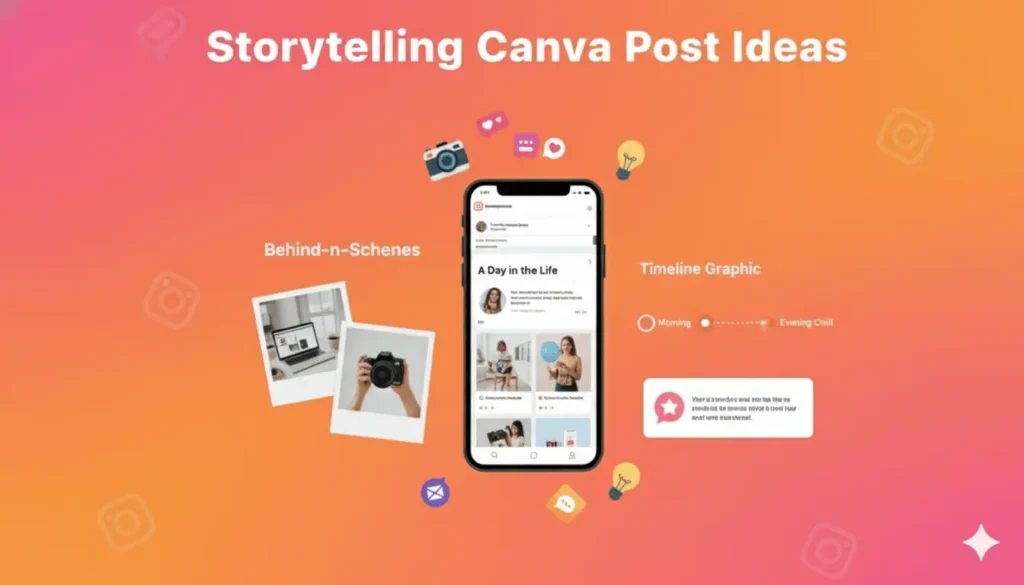
Storytelling Canva Instagram Post Ideas
21. Behind-the-Scenes Content
Share your workspace, daily routine, or creative process. Authenticity builds connection. Use Canva to add text overlays and branding to candid photos.
22. Customer Success Stories
Highlight testimonials and results. Create professional-looking testimonial graphics using Canva’s quote templates with customer photos.
23. Personal Journey Posts
Share your story, struggles, and wins. Use timeline templates to visually map your journey.
24. Day in the Life
Document your daily activities in a carousel format. Followers love seeing the human side of brands.
25. Throwback Posts
Share old photos with modern reflections. Use Canva to create split screens showing “then vs. now.”
26. Milestone Celebrations
Announce achievements, follower counts, or business wins. Create celebration graphics with confetti and bold text.
27. Failure & Lesson Posts
Vulnerability resonates. Share what didn’t work and what you learned. Use muted colors for authenticity.
28. Team Spotlights
Introduce team members with professional bio graphics. Humanize your brand and build trust.
29. Values & Mission Posts
Regularly reinforce what you stand for. Design impactful quote-style posts featuring your core values.
30. Timeline Posts
Show evolution over time—product development, business growth, or personal transformation. Canva’s timeline templates work perfectly.
Promotional Canva Instagram Post Ideas
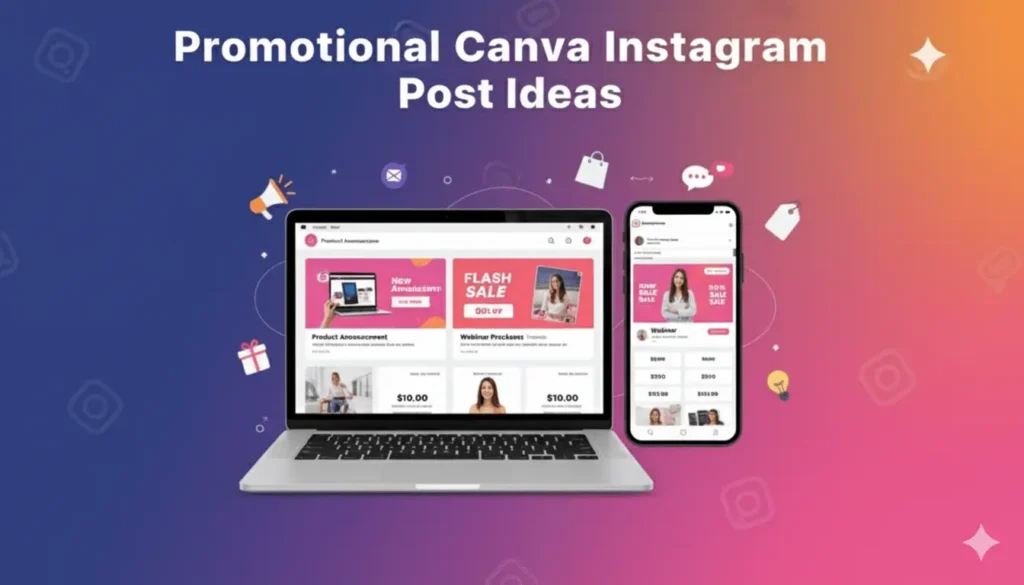
31. Product Announcements
Launch new offerings with professionally designed graphics. Use product mockups and bold “NEW” badges.
32. Limited-Time Offers
Create urgency with countdown graphics and vibrant colors. Include clear CTAs and discount codes.
33. Flash Sale Alerts
Design attention-grabbing sale graphics with percentage discounts displayed prominently.
34. Lead Magnet Promotions
Promote free downloads, guides, or resources. Create enticing graphics that highlight the value.
35. Event Announcements
36. Webinar Promotions
Create multi-post campaigns for webinars. Use consistent branding across teaser, reminder, and last-chance posts.
Whether virtual or in-person, design professional event graphics with date, time, and registration details.
37. Service Packages
Showcase what you offer with clean, organized layouts. Use icons to represent different services.
38. Product Features
39. Comparison Charts
Show how you stack up against competitors (tactfully). Use tables and checkmarks for clear visual comparison.
Highlight specific features or benefits. Create carousel posts diving deep into what makes your product special.
Promote package deals with graphics showing all included items. Display savings prominently.
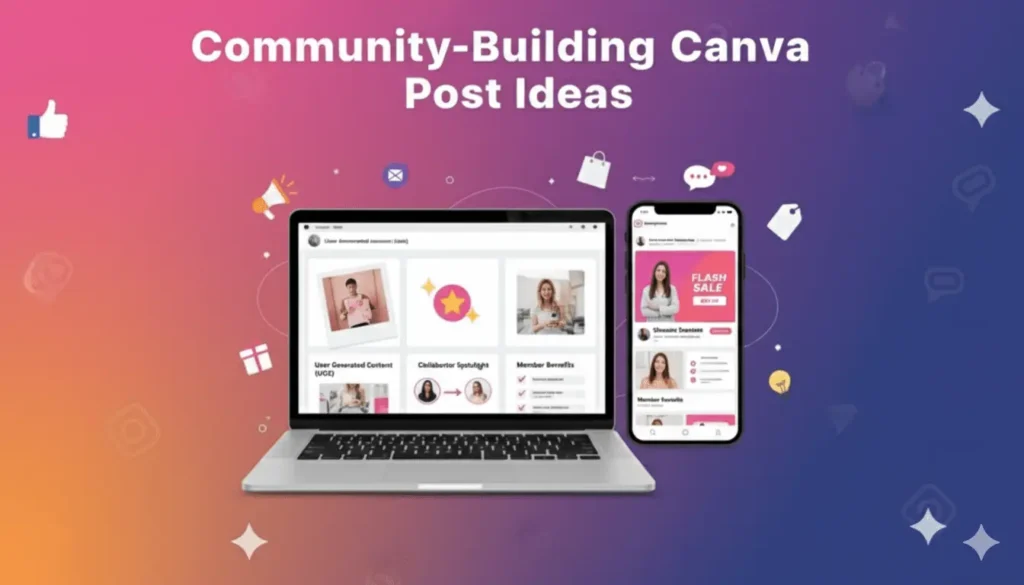
Community-Building Canva Instagram Post Ideas
40. Bundle Deals
41. User-Generated Content Features
Repost customer content with branded frames. Use Canva to create consistent UGC templates that credit creators.
42. Community Shoutouts
Feature followers, customers, or partners. Build loyalty by celebrating your community.
43. Ask Me Anything Announcements
Promote AMA sessions with eye-catching graphics. Set specific times and encourage questions.
44. Collaboration Announcements
Partner with other creators? Design professional collaboration graphics showcasing both brands.
45. Community Guidelines
Share rules and expectations for your community. Use friendly but clear design elements.
46. Member Benefits
If you have a membership or community, regularly remind people of the perks. Create checklist-style graphics.
47. Welcome New Followers
Create welcoming posts for new community members with links to your best content.
48. Gratitude Posts
Thank your followers regularly. Simple, heartfelt appreciation posts build strong relationships.
Seasonal & Trending Canva Instagram Post Ideas
49. Holiday-Themed Content
Create posts for major holidays using Canva’s seasonal templates. Plan content calendars around Valentine’s Day, Halloween, Christmas, and other relevant dates.
50. Trending Topic Commentary
Jump on relevant trends in your industry. Use Canva to create timely, professional graphics that add value to trending conversations.
How to Implement These Canva Instagram Post Ideas Effectively
Now that you have 50 Canva Instagram post ideas, let’s discuss implementation strategies that maximize results.
Create a Content Calendar
Don’t just post randomly. Plan your Canva Instagram post ideas in advance using a content calendar. Aim for variety—mix educational, promotional, and engagement-focused content throughout the week.
Batch Create Content
Set aside time weekly to create multiple posts at once. Open Canva, select your templates, and produce 5-10 posts in one session. This approach saves time and ensures consistent quality.
Maintain Brand Consistency
Use Canva’s Brand Kit feature to save your colors, fonts, and logos. Every post should feel cohesively yours, regardless of which template you use.
Optimize Posting Times
The best Canva Instagram post ideas won’t perform if posted when your audience is asleep. Use Instagram Insights to identify when your followers are most active.
Write Compelling Captions
Your visual is just the first step. Pair your Canva designs with captions that tell stories, ask questions, and include clear calls-to-action.
Use Relevant Hashtags
Research and include 10-15 relevant hashtags. Mix popular and niche hashtags to maximize discoverability.
Engage with Comments
When you post using these Canva Instagram post ideas, respond to every comment within the first hour. This signals to Instagram that your content is valuable, boosting its reach.
Advanced Tips for Maximizing Engagement
Test Different Formats
Not all Canva Instagram post ideas will resonate equally with your audience. Track performance metrics to identify what works best. Maybe your audience loves carousels but ignores single-image posts. Data guides your strategy.
Create Template Sets
Rather than starting from scratch each time, create 5-10 master templates in Canva. These become your go-to designs that you simply update with new text and images.
Leverage Video Templates
While we’ve focused on static posts, don’t forget Canva offers video templates too. Short videos significantly outperform static images in engagement rates.
Add Value Every Time
The most successful Canva Instagram post ideas share one thing: they provide genuine value. Whether educating, entertaining, or inspiring, ensure every post gives followers something worthwhile.
Study Your Competitors
Analyze top performers in your niche. What types of posts get the most engagement? Use those insights to inform your Canva Instagram post ideas while maintaining your unique voice.
Common Mistakes to Avoid
Overcomplicating Designs
Canva offers countless design elements, but restraint is key. Clean, simple designs often outperform cluttered ones. Remember: your Instagram audience scrolls quickly on mobile devices.
Ignoring Instagram Dimensions
Always use Canva’s Instagram-specific templates (1080 x 1080 pixels for square posts). Wrong dimensions lead to cropped, unprofessional-looking content.
Posting Without Strategy
Random posting rarely builds momentum. Choose Canva Instagram post ideas that align with your business goals and audience interests.
Forgetting Mobile Optimization
Design with mobile viewing in mind. Text should be large enough to read on small screens, and key elements shouldn’t get cut off.
Using Too Much Text
Instagram is a visual platform. If your Canva design requires followers to read paragraphs, you’ve lost them. Keep text minimal and impactful.
Tools to Enhance Your Canva Instagram Strategy
Canva Pro
While Canva’s free version is robust, Canva Pro unlocks premium templates, the Brand Kit feature, background remover, and access to millions of stock photos. For serious Instagram creators, it’s worth the $12.99 monthly investment.
Later or Buffer
These scheduling tools integrate with Canva, allowing you to design and schedule posts seamlessly. Plan your Canva Instagram post ideas weeks in advance.
Unsplash & Pexels
Both platforms offer free, high-quality stock photos that integrate directly into Canva. Use them to enhance your designs when original photography isn’t available.
Canva Mobile App
Create and edit on-the-go. The mobile app offers surprising functionality, letting you implement Canva Instagram post ideas anywhere inspiration strikes.
Measuring Success: Analytics That Matter
Engagement Rate
Track likes, comments, saves, and shares relative to follower count. High engagement signals that your Canva Instagram post ideas resonate with your audience.
Reach and Impressions
Monitor how many unique accounts see your posts and how often. Growing reach indicates your content is being discovered beyond your existing followers.
Profile Visits and Follows
Quality Canva Instagram post ideas should drive curious viewers to check out your profile and hit follow. Track this metric to assess content effectiveness.
Website Clicks
If driving traffic is your goal, monitor link clicks in your bio and Stories. Certain post types convert better than others.
Save Rate
Instagram’s algorithm loves posts that get saved. High save rates indicate valuable, reference-worthy content. Educational Canva Instagram post ideas typically perform best here.
Creating Your Signature Style
While this guide provides 50 Canva Instagram post ideas, the most successful accounts develop recognizable visual identities. Here’s how:
Consistent Color Palette
Choose 3-5 brand colors and stick with them. Your posts should be recognizable as yours before anyone reads the caption.
Signature Fonts
Select 2-3 fonts that represent your brand personality. Canva lets you upload custom fonts if you have specific brand typography.
Recurring Elements
Maybe you always include your logo in the corner, or you use specific shapes and icons. These subtle consistencies build brand recognition.
Photo Filters
If using photos, apply consistent filters or editing styles. Your feed should look cohesive when viewed as a grid.
Conclusion: Turning Ideas Into Results
You now have 50 powerful Canva Instagram post ideas that actually drive engagement. But ideas alone won’t grow your account—consistent implementation will.
Start by choosing 5-10 post ideas from this list that align best with your brand and audience. Create templates in Canva for each type, then schedule them across the next month. Track which formats generate the most engagement, then double down on what works.
Remember, the most effective Instagram strategy combines great visuals with authentic storytelling. Use these Canva Instagram post ideas as your foundation, but infuse them with your unique perspective and value.
Instagram success doesn’t happen overnight, but with strategic content creation using Canva’s powerful tools, you’ll build an engaged community that looks forward to every post you share.
Ready to get started? Open Canva, pick your first idea from this list, and create something amazing today. Your audience is waiting.
Frequently Asked Questions
How many Canva Instagram post ideas should I use per week?
Aim for 4-7 posts weekly, mixing different post types. Variety keeps your feed interesting while allowing you to test what resonates with your audience.
Can I use free Canva templates for commercial Instagram accounts?
Yes, Canva’s free templates can be used commercially, though upgrading to Canva Pro provides more options and removes attribution requirements.
What’s the best time to post Instagram content created with Canva?
Optimal posting times vary by audience. Check your Instagram Insights to see when your followers are most active, typically early mornings (7-9 AM) or evenings (7-9 PM).
How do I make my Canva Instagram posts stand out?
Use bold colors, maintain brand consistency, keep text minimal, and focus on providing genuine value. High-quality images and creative layouts also increase stopping power.
Should all my posts follow the same template?
While consistency is important, variety prevents feed fatigue. Create 3-5 template styles and rotate them to maintain visual interest while staying on-brand.