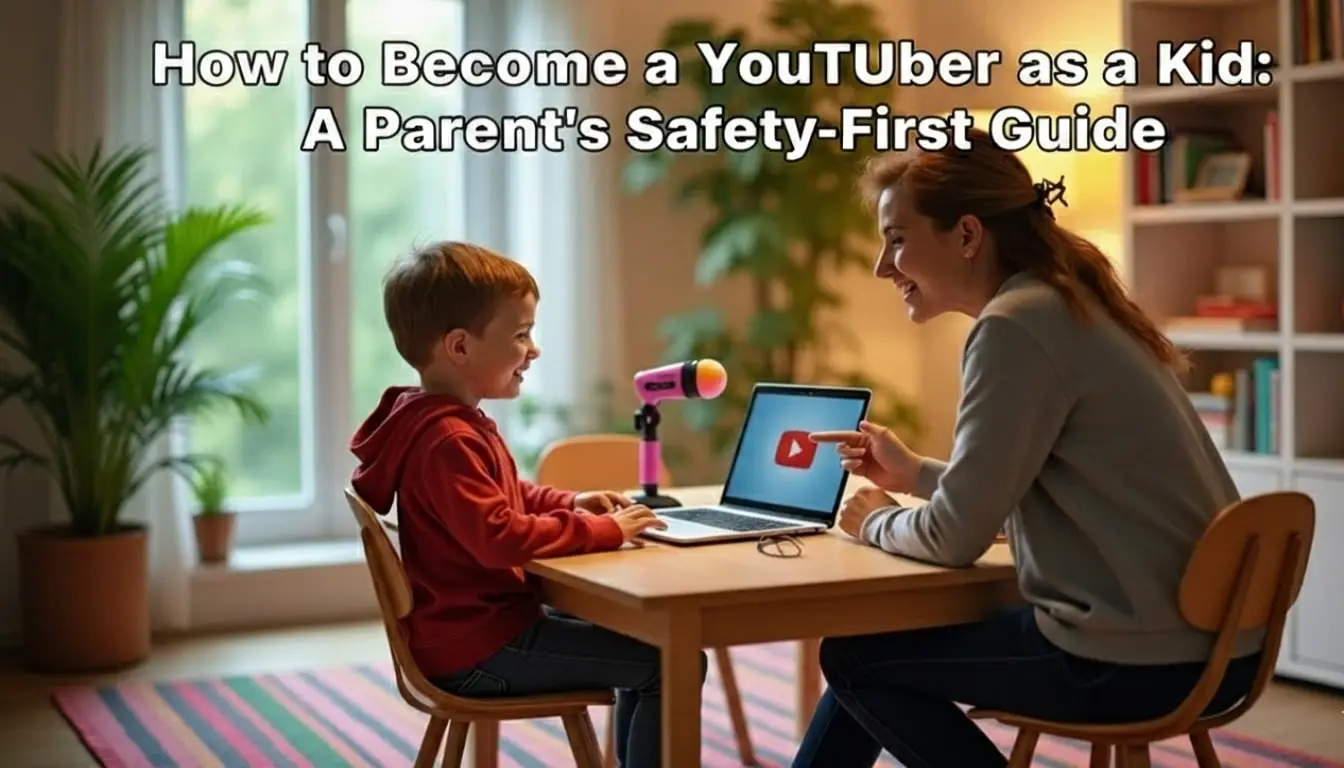
How to Become a YouTuber as a Kid (2025 Guide) – Parent’s Safety Tips
Is your child dreaming of becoming the next big YouTube star? In 2025, the allure of creating content, building a community, and sharing passions is stronger than ever for the younger generation. While this can be a fantastic outlet for creativity and learning, it’s a journey that requires a co-pilot. Navigating the world of online video is a family affair, where safety and guidance are just as important as camera angles and editing software. This guide is designed to help you and your child explore how to become a YouTuber as a kid in a safe, responsible, and fun way.
Table of Contents
Why the YouTube Dream is So Popular Among Kids
Kids today have grown up with YouTube. It’s their television, their how-to library, and their social hub all in one. They see creators their own age playing games, unboxing toys, creating epic science experiments, and building massive followings. This isn’t just about fame; it’s about connection and expression.
Pursuing this interest can have genuine benefits. It can boost confidence, improve communication and technical skills, and teach valuable lessons about planning, perseverance, and digital literacy. When approached correctly, creating a YouTube channel can be a modern, project-based learning experience. For a safer starting point, many families begin by exploring the curated content on the YouTube Kids app to understand the platform’s landscape.
The Foundation: A Safety-First Approach to YouTube
Before you even think about hitting the record button, the most crucial step is establishing a safety framework. The internet is a public space, and a child’s presence on it must be carefully managed.
First, it’s essential to understand YouTube’s official policy. According to its Terms of Service, users must be at least 13 years old to have their own account. For children under 13, a parent must create and manage the channel through a supervised Google Account. This isn’t a barrier; it’s a protective measure. Tools like Google Family Link allow you to create a supervised account, manage settings, and oversee your child’s digital activity, ensuring you’re in the driver’s seat every step of the way.
A Step-by-Step Guide for Parents and Young Creators
Embarking on this journey requires a clear, step-by-step plan. Here’s how you can get started together.
Step 1: Brainstorm and Choose a Niche
What is your child passionate about? The best channels come from genuine interest.
- Gaming: Walkthroughs of games like Minecraft or Roblox.
- Educational: Simple science experiments, history facts, or book reviews.
- Creative: Art tutorials, DIY crafts, or Lego building challenges.
- Lifestyle: Kid-friendly cooking, toy unboxing (with a twist), or backyard adventure vlogs.
Step 2: Set Up a Supervised Account Together
This is where you put safety first. Do not let your child use their personal email or create the account alone.
- Use Google Family Link to create a supervised Google Account for your child.
- Use this account to create the YouTube channel. Be transparent that it’s managed by a parent.
- Choose a channel name that is fun but doesn’t reveal personal information like their full name, location, or school.
Step 3: Learn the Rules of the Road
Sit down with your child and review YouTube’s Community Guidelines. Explain what type of content isn’t allowed (e.g., hate speech, bullying, harmful acts). This is a non-negotiable part of the process. The YouTube Safety Center is an excellent resource for both of you to understand these rules in depth.
Step 4: Establish Privacy and Security Rules
Before any content is filmed, have a family meeting to set ground rules:
- No Personal Info: Never share full names, addresses, school names, phone numbers, or birthdates.
- Location is Private: Don’t film outside where a house number or recognizable landmark is visible.
- Parent Veto Power: You have the final say on what gets uploaded. Everything is reviewed together.
Step 5: Plan a Realistic Content Schedule
Consistency is key on YouTube, but it shouldn’t come at the cost of childhood. Help your child create a simple filming schedule that works around school, homework, and extracurricular activities. Maybe it’s one video every other weekend. The goal is to keep it fun, not turn it into a stressful job.
Locking It Down: YouTube Safety and Privacy Settings
As the channel manager, you have powerful tools at your disposal. Dive into the channel settings and configure them for maximum safety.
- Visibility: For a child’s channel, it’s wisest to start with videos set to “Unlisted” (only people with the link can see them) or “Private” (only you and selected users can see them). Avoid “Public” until you are both confident and comfortable.
- Comments: This is a critical area. You can disable comments entirely or set them to “Hold all comments for review.” This allows you to screen every single comment before it appears publicly, protecting your child from negativity and cyberbullying.
- Age Restrictions: You can designate your videos as “Made for Kids,” which limits data collection and disables certain features like personalized ads.
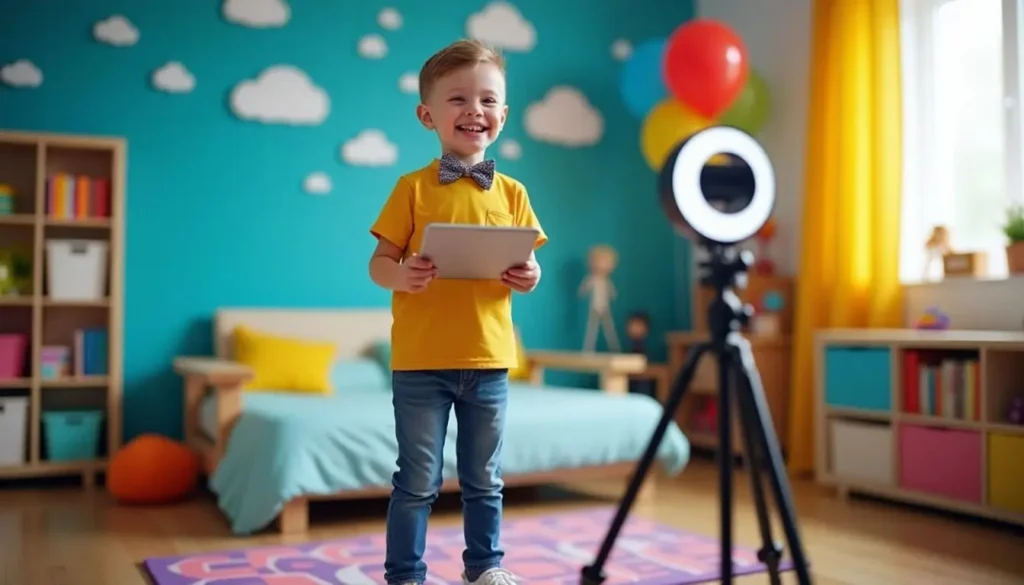
Tips for Building a Kid-Friendly and Engaging Channel
With the safety net firmly in place, it’s time for the creative fun!
- Focus on Fun Ideas: “Day in the Life” videos, challenge videos (like a “Try Not to Laugh” challenge), or creative tutorials are always popular.
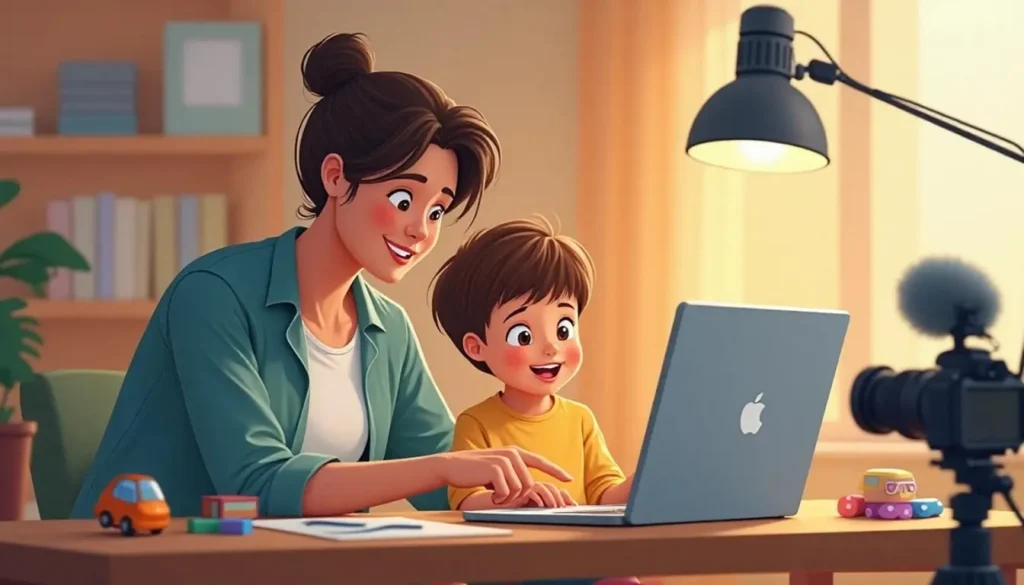
- Make it a Family Project: Collaborate! Be the camera operator, the editor, or even the occasional co-host. This not only strengthens your bond but also ensures you are directly involved in the content.
- Emphasize Positivity: Encourage your child to create content that is kind, inclusive, and positive. The internet needs more of that.
- Keep it Real: Authenticity is more appealing than a perfectly polished performance. Let their personality shine through.
Navigating Legal and Ethical Considerations
This is the “business” side that you, as the parent, must own.
- COPPA is Key: The Children’s Online Privacy Protection Act (COPPA) is a U.S. law that governs how online services collect data from children under 13. By marking your channel as “Made for Kids,” you are ensuring compliance. Familiarize yourself with the rules on the FTC’s official COPPA page.
- Monetization: Yes, kids can earn money on YouTube through ads, but it’s managed by the parent. The YouTube Partner Program has specific requirements (1,000 subscribers and 4,000 watch hours). Any revenue should be handled by you, with discussions about saving, investing, and perhaps a small amount for fun.
Common Mistakes to Avoid on the YouTube Journey
Learning from others’ missteps can save you a lot of trouble.
- Oversharing: A moment of excitement can lead to accidentally revealing a school logo in the background or mentioning a hometown. Be vigilant during editing.
- Ignoring Copyright: Your child cannot use popular music, video clips, or images they don’t own. Use royalty-free music from libraries like YouTube Audio Library.
- Neglecting Real Life: The channel must not interfere with schoolwork, family time, or sleep. Maintain a healthy balance.
Final Thoughts
Helping your child learn how to become a YouTuber as a kid can be an incredibly rewarding experience that brings you closer and teaches them invaluable skills. By prioritizing safety, privacy, and positive values from the very beginning, you transform a potential risk into a protected creative playground. With you as their guide and guardian, your young creator can safely explore the exciting world of YouTube.
Frequently Asked Questions (FAQs)
What is the minimum age to be a YouTuber?
The official minimum age to have a standard YouTube account is 13. However, children under 13 can have a channel if a parent or guardian creates and manages it through a supervised Google Account via Google Family Link.
Can kids earn money on YouTube?
Yes, but with important caveats. A channel can be monetized through the YouTube Partner Program once it meets the eligibility thresholds. All earnings and financial transactions must be managed by the parent or legal guardian, and the channel must comply with all laws, including COPPA.
How can parents keep their kids safe on YouTube?
Parents can keep their kids safe by:
- Creating and managing the channel through a supervised account.
- Setting all videos to “Private” or “Unlisted” initially.
- Strictly moderating or disabling comments.
- Establishing firm rules about never sharing personal information.
- Co-viewing and co-creating all content to maintain active involvement.
What are some good first video ideas for a kid’s channel?
Great starter ideas include: a tour of their (non-identifiable) backyard, a simple Lego build tutorial, a “draw with me” art session, a review of their favorite book, or a kitchen science experiment with a parent.
Who owns a YouTube channel created for a minor?
The Google Account used to create the channel owns it. Since a parent creates and manages the supervised account for a child under 13, the parent is legally responsible for the account and its content until the child reaches the age of majority.