How to Sell on Instagram: 10 Steps to Your First Sale (2025 Guide)
Instagram has evolved from a simple photo-sharing app into a powerful sales machine. With over 2 billion monthly active users and 90% of accounts following at least one business, the platform offers unprecedented opportunities for entrepreneurs and brands to sell on Instagram products directly to their target audience.
Whether you’re launching a new business, expanding an existing brand, or testing product ideas, Instagram provides the tools and audience you need to generate sales. The best part? You don’t need a massive following or huge budget to get started. Small accounts regularly make their first sales within weeks of implementing the right strategy.
This comprehensive guide walks you through 10 actionable steps to make your first sale on Instagram, backed by proven strategies that work in 2025.
Step 1: Optimize Your Instagram Business Profile for Sales
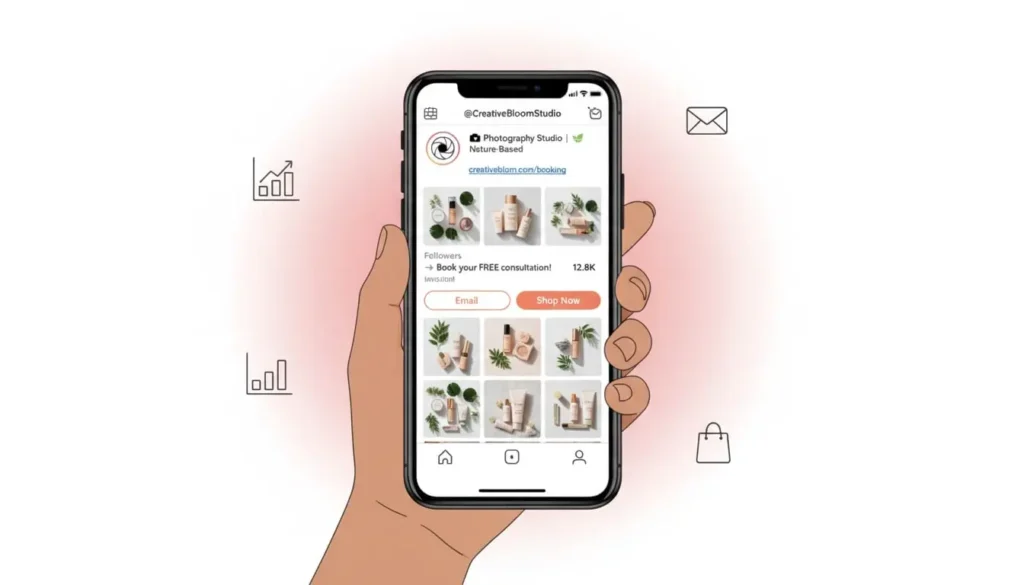
Your Instagram profile is your digital storefront. Before you can sell anything, you need to create a professional presence that builds trust and makes purchasing easy.
Switch to a Business Account
If you haven’t already, convert your personal account to a business profile. Navigate to Settings > Account > Switch to Professional Account > Business. This unlocks essential features including:
- Instagram Insights for tracking performance
- Contact buttons (email, phone, directions)
- Shopping features and product tags
- Instagram ads capabilities
- Link stickers in Stories
Craft a Conversion-Focused Bio
Your bio has 150 characters to convince visitors to become customers. Every word counts. Include:
Clear value proposition: What do you sell and who is it for? “Handmade leather bags for modern professionals” is better than “We make bags.”
Social proof: Add credibility with “Featured in Forbes” or “5000+ happy customers.”
Call-to-action: Direct visitors with “Shop below 👇” or “DM ‘SHOP’ to order.”
Link strategy: Use a link-in-bio tool like Linktree, Beacons, or Stan Store to showcase multiple products, since Instagram only allows one clickable link.
Choose a Professional Profile Picture
Use your logo or a clean product photo on a neutral background. The image should be recognizable even at thumbnail size. Avoid complex designs that become unreadable when small.
Add Contact Information
Enable all relevant contact buttons. Making it easy for customers to reach you removes friction from the buying process. Some customers prefer DMs, others want email, and some need phone support.
Step 2: Define Your Target Audience and Ideal Customer
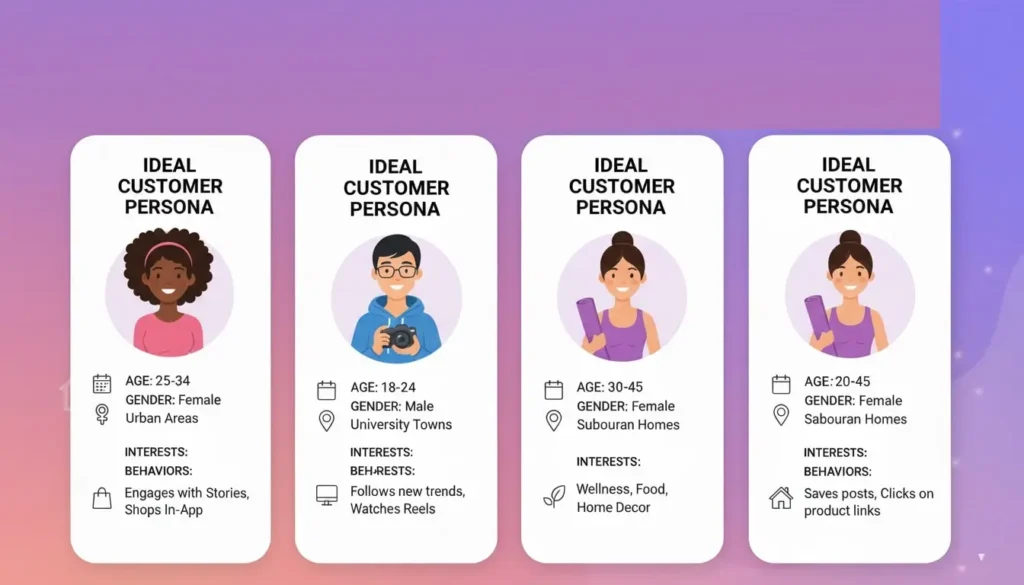
Selling to everyone means selling to no one. Successful Instagram selling starts with crystal-clear audience definition.
Create Detailed Customer Personas
Document your ideal customer’s:
- Age range and gender
- Location and language
- Income level and spending habits
- Pain points and desires
- Instagram usage patterns (when they’re active, what content they engage with)
- Other brands they follow
For example, if you sell eco-friendly yoga mats, your ideal customer might be: “Sarah, 28-35, urban professional, earns $60-80k, practices yoga 3x weekly, follows wellness influencers, shops online regularly, values sustainability, active on Instagram during morning commute and evening wind-down.”
Research Competitor Audiences
Study successful competitors in your niche. Check who comments on their posts, what questions people ask, and what content gets the most engagement. Your competitors have already done the work of attracting your target audience.
Use Instagram Insights
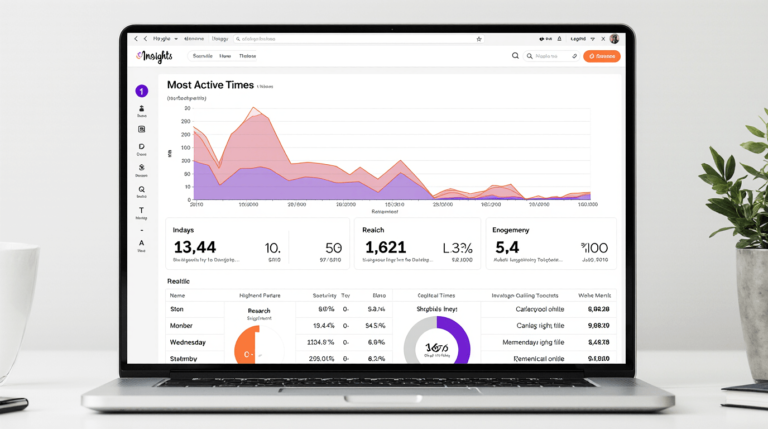
Once you have some followers, dive into Instagram Insights. The Audience tab reveals follower demographics, locations, and when they’re most active. This data is gold for timing your posts and creating relevant content.
Step 3: Set Up Instagram Shopping Features
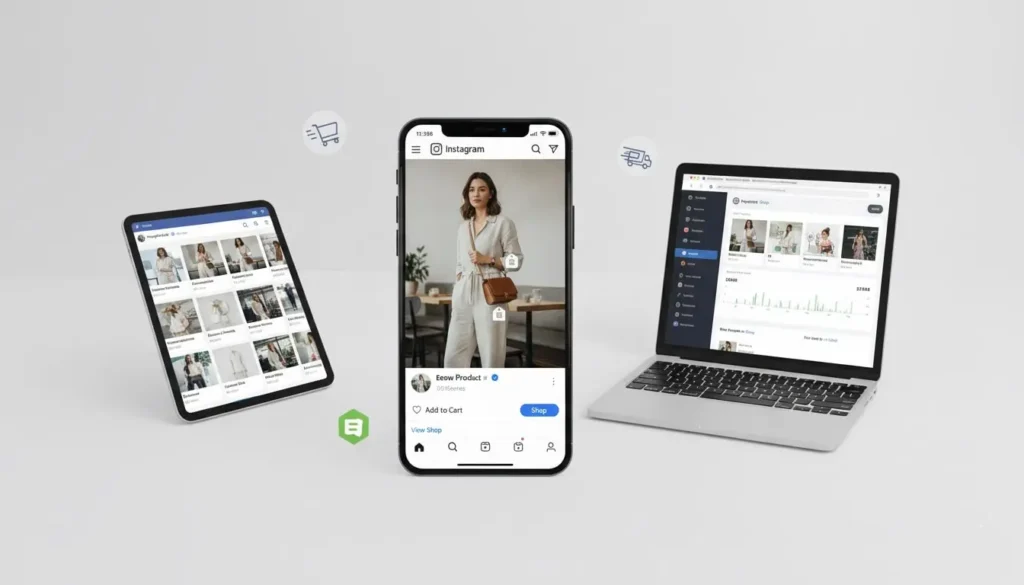
Instagram Shopping transforms your profile into a native storefront, allowing customers to browse products without leaving the app.
Meet the Requirements
To enable Instagram Shopping, you need:
- A business account in an eligible country
- An e-commerce website with product checkout
- Products that comply with Instagram’s commerce policies
- Connection to a Facebook Page
Connect Your Product Catalog
You have two options for product catalogs:
Option 1: Facebook Shop – Create a Facebook Shop and connect it to Instagram. This works best if you’re already using Facebook for business.
Option 2: E-commerce Platform – Shopify, WooCommerce, BigCommerce, and other platforms integrate directly with Instagram Shopping, automatically syncing your products.
Tag Products in Posts and Stories
Once approved (usually takes 1-3 days), you can tag products in:
- Feed posts (up to 5 products per single image, 20 per carousel)
- Instagram Stories (1 product sticker per story)
- Reels (1 product tag)
- Live shopping (featured products during live streams)
Product tags show the price and product name. When tapped, users see detailed product information and can purchase directly or visit your website.
Create Your Instagram Shop Tab
Your shop tab appears directly on your profile, showcasing all your products in a visual catalog. Organize products into collections like “New Arrivals,” “Best Sellers,” or “Under $50” to make browsing easier.
Step 4: Develop a Content Strategy That Sells
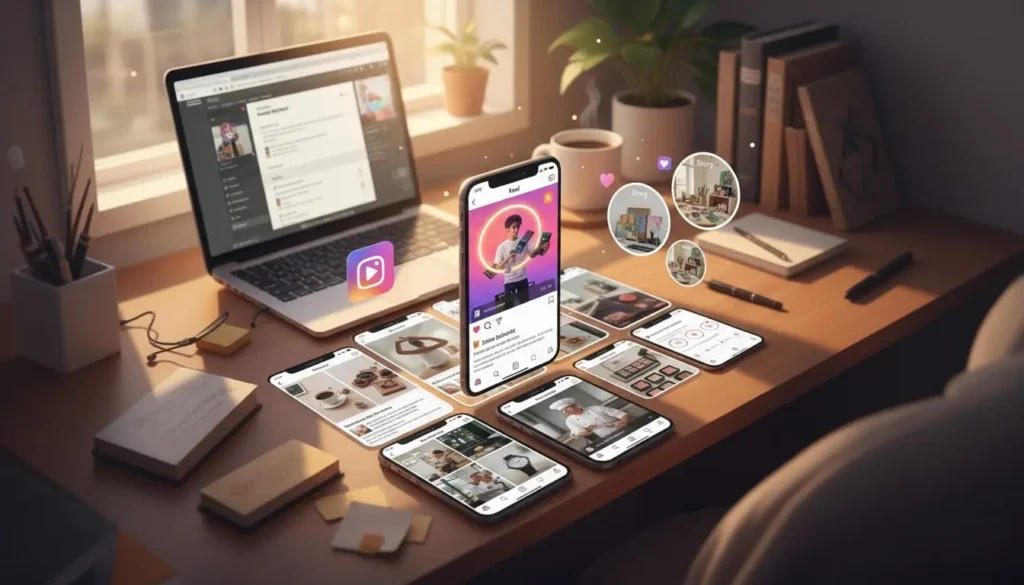
Content is the fuel that drives Instagram sales. Your feed should entertain, educate, and persuade your audience to buy.
The 80/20 Content Rule
Apply this proven ratio:
- 80% value-driven content (entertainment, education, inspiration)
- 20% promotional content (direct product pitches)
This approach builds trust and keeps followers engaged rather than feeling constantly sold to.
Essential Content Types for Selling
Product Showcases: High-quality photos highlighting features, benefits, and lifestyle use. Show the product in context, not just white background shots.
Behind-the-Scenes: Manufacturing process, packaging orders, team members at work. This builds authenticity and emotional connection.
User-Generated Content: Repost customer photos and videos (with permission). Social proof is incredibly powerful for conversions.
Educational Content: How-to posts, tips, industry insights. Position yourself as an expert, not just a seller.
Testimonials and Reviews: Screenshot positive reviews, create graphics with customer quotes, share success stories.
Before and After: Particularly effective for transformation products (fitness, skincare, organization).
Product Comparisons: Help customers choose between options or understand why your product is superior to competitors.
Content Formats That Perform
Reels currently receive the highest reach on Instagram. Create 15-60 second Reels showing:
- Product unboxings
- Quick tutorials
- Problem-solution demonstrations
- Trending audio with your products
- Day-in-the-life featuring your products
Carousel Posts generate 3x more engagement than single images. Use them for:
- Multiple product angles
- Step-by-step guides
- Before and after sequences
- Product collections
- Educational slides
Stories create urgency and intimacy. Use daily Stories for:
- Limited-time offers
- Polls asking what products followers want
- Behind-the-scenes moments
- Countdown stickers for launches
- Quick product features
Post Consistently
Consistency matters more than frequency. Whether you post once daily or three times weekly, maintain a regular schedule. Your audience should know when to expect content from you.
Use a content calendar to plan 2-4 weeks ahead. Tools like Later, Planoly, or Meta Business Suite allow scheduling posts in advance.
Step 5: Master Instagram Captions That Convert
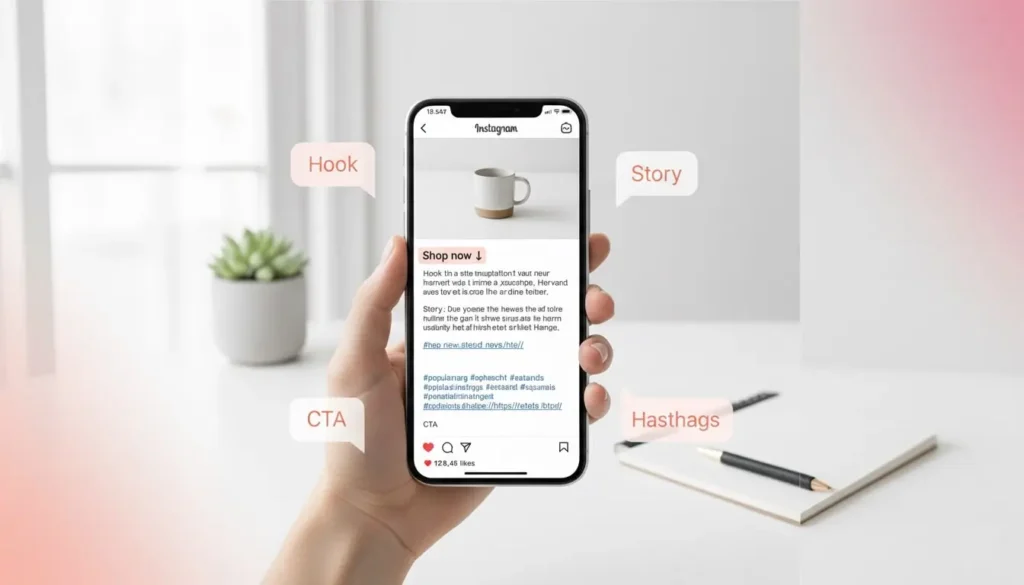
Your captions are where conversions happen. A compelling image gets attention, but words drive action.
Hook Them in the First Line
The first 125 characters appear before the “more” button. Your opening must grab attention immediately.
Weak: “Check out our new product launch today.” Strong: “I almost gave up on this idea 3 times. Here’s why I didn’t…”
Use curiosity, controversy, questions, or bold statements to stop the scroll.
Tell Stories, Not Sales Pitches
People buy from brands they connect with emotionally. Every caption should tell a story:
- The problem your product solves
- How you developed the product
- A customer’s transformation
- Your brand’s mission and values
- Personal anecdotes related to your niche
Include Clear Calls-to-Action
Every post needs a CTA. Tell readers exactly what to do next:
- “Shop via the link in bio”
- “DM us ‘INTERESTED’ for pricing”
- “Save this post for later”
- “Tag someone who needs this”
- “Click the product tag to purchase”
Use Strategic Hashtags
Hashtags remain effective for discovery in 2025, but the strategy has evolved:
Mix hashtag sizes:
- 2-3 large hashtags (500k+ posts)
- 5-7 medium hashtags (50k-500k posts)
- 8-10 niche hashtags (under 50k posts)
Create a branded hashtag: Encourage customers to use your unique hashtag. This creates a searchable gallery of user content.
Research competitor hashtags: See what’s working in your industry and adapt.
Use 8-15 hashtags total: Instagram allows up to 30, but studies show 8-15 performs best for engagement and reach.
Place hashtags in the first comment to keep captions clean and professional.
Step 6: Leverage Instagram Stories and Highlights for Sales
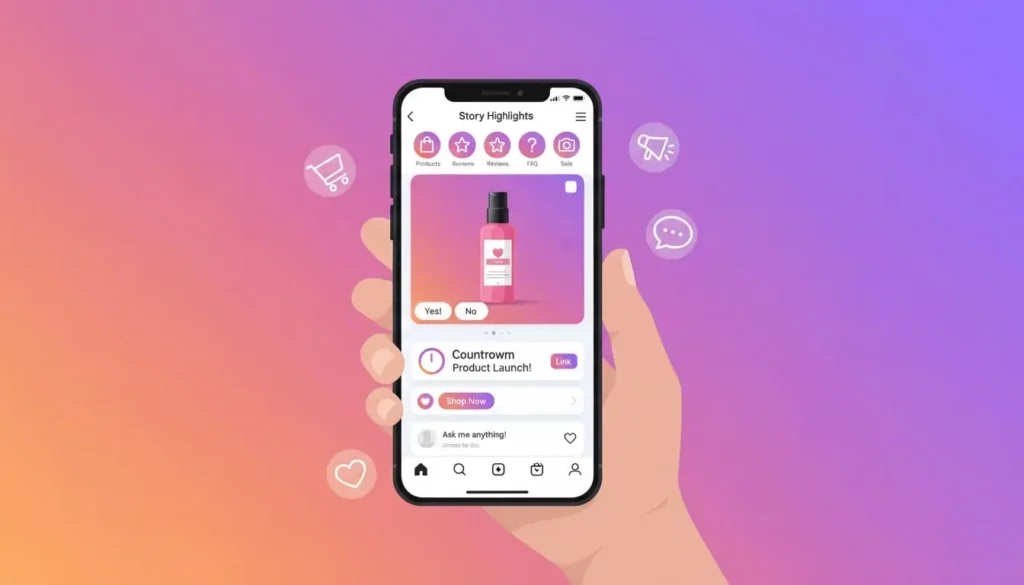
Stories disappear after 24 hours, but they’re viewed by 500 million users daily. Story Highlights let you preserve your best selling content permanently on your profile.
Create Sales-Focused Story Highlights
Organize Highlights by category with custom covers:
Products: Showcase your full product line with links Reviews: Customer testimonials and feedback FAQ: Answer common questions about shipping, returns, sizing How-To: Tutorials for using your products About Us: Brand story and team introductions Sale: Promote current discounts and offers
Use Interactive Stickers
Instagram Stories offer engagement tools that boost visibility and provide valuable customer insights:
Poll Stickers: “Which color should we restock first?” Question Stickers: “What products do you want to see next?” Quiz Stickers: “Can you guess our best-seller?” Countdown Stickers: Build anticipation for product launches Link Stickers: Direct traffic to specific product pages
Share User-Generated Content
Repost customer Stories featuring your products (always ask permission first). Tag the customer and add your own commentary. This provides social proof while strengthening customer relationships.
Go Live to Sell
Instagram Live Shopping allows real-time product demonstrations with instant purchase options. Host weekly or monthly live sessions to:
- Launch new products with exclusive discounts
- Answer customer questions in real-time
- Demonstrate product features
- Create urgency with limited-time offers
Lives appear at the front of the Stories feed, ensuring maximum visibility.
Step 7: Build Engaged Followers (Not Just Numbers)
A thousand engaged followers will generate more sales than 10,000 inactive ones. Focus on quality over quantity.
Engage Authentically
Respond to every comment on your posts within the first hour. Instagram’s algorithm rewards early engagement by showing your content to more people.
Reply thoughtfully, not with generic responses. If someone comments “Love this!”, respond with “Thank you! Which feature is your favorite?” to start a conversation.
Use the DM Strategy
Direct messages are Instagram’s most powerful sales tool. When someone messages you:
- Respond within 15 minutes if possible
- Use voice messages for a personal touch
- Ask questions to understand their needs
- Offer customized recommendations
- Make the buying process effortless
Set up quick replies for common questions in your Instagram Settings > Business > Quick Replies.
Collaborate with Micro-Influencers
Instead of pursuing expensive celebrity partnerships, work with micro-influencers (5k-50k followers) in your niche. They often have higher engagement rates and more affordable fees.
Offer:
- Free products in exchange for honest reviews
- Affiliate commissions (10-20% of sales)
- Flat fees for dedicated posts
- Long-term brand ambassador programs
Request authentic content, not overly polished ads. Today’s consumers trust genuine recommendations over scripted promotions.
Run Engagement Campaigns
Boost follower interaction with:
Giveaways: “Follow us, like this post, and tag 3 friends to enter.” Giveaways rapidly grow your audience while increasing engagement.
Challenges: Create a branded challenge encouraging user participation. Example: “Show us how you style our product using #BrandNameChallenge”
Featured Customer: Weekly spotlight on a customer’s story or product use. This incentivizes others to share their experiences.
Engage in Your Niche Community
Don’t just post and ghost. Spend 20-30 minutes daily engaging with:
- Your ideal customers’ profiles
- Competitors’ followers
- Relevant hashtags
- Location tags in your area
Leave genuine comments (not “Great pic!” or promotional spam). This visibility drives profile visits and follows from interested prospects.
Step 8: Use Instagram Ads to Accelerate Sales
Organic reach is valuable, but Instagram ads allow you to target specific audiences with precision, dramatically accelerating your first sale.
Start with a Small Budget
You don’t need thousands for advertising. Start with $5-10 per day to test different approaches and identify what works.
Choose the Right Campaign Objective
Instagram (via Meta Ads Manager) offers several objectives:
For your first sale, use:
- Traffic: Drive clicks to your website
- Conversions: Optimize for purchases
- Messages: Encourage DMs for sales conversations
Target Your Ideal Customer
Instagram’s targeting options include:
- Demographics (age, gender, location, language)
- Interests (topics they engage with)
- Behaviors (purchase history, device usage)
- Custom audiences (website visitors, email list)
- Lookalike audiences (people similar to your customers)
Start with interest-based targeting related to your niche, then refine based on performance data.
Create Scroll-Stopping Ad Creative
Your ad creative determines success. Effective ads:
Grab attention in 3 seconds: Use bright colors, movement, or surprising visuals Show the product in use: Lifestyle shots outperform plain product photos Include clear text overlay: Many users watch without sound Highlight the benefit: Focus on transformation, not features Create urgency: Limited-time offers, low stock alerts End with a strong CTA: “Shop Now,” “Learn More,” “Get Yours”
Test Multiple Variations
Run A/B tests with different:
- Images vs. videos
- Headlines and copy
- Calls-to-action
- Audience segments
Let ads run for at least 3-5 days before making decisions. Instagram’s algorithm needs time to optimize delivery.
Retarget Website Visitors
Install the Meta Pixel on your website to track visitors. Create retargeting ads specifically for people who:
- Viewed products but didn’t buy
- Added items to cart but abandoned
- Visited your site in the past 30 days
Retargeting ads convert 2-3x higher than cold traffic ads because they reach warm audiences already familiar with your brand.
Step 9: Create Urgency and Scarcity to Drive Immediate Sales
People procrastinate on purchases unless given a compelling reason to buy now. Strategic urgency tactics push prospects from “maybe later” to “I need this now.”
Limited-Time Offers
Flash sales create urgency by limiting the time window:
- “24-hour sale: 30% off everything”
- “Weekend only: Free shipping on all orders”
- “First 50 customers get a free gift”
Use countdown stickers in Stories to visualize the ticking clock. Announce the offer multiple times as the deadline approaches.
Limited Quantity
Scarcity drives action:
- “Only 10 left in stock”
- “Limited edition run of 50 pieces”
- “Restocking in 3 months”
Update followers when inventory is running low. Consider limiting initial product runs intentionally to test demand and create genuine scarcity.
Exclusive Access
Make customers feel special with insider perks:
- Early access for email subscribers
- VIP shopping hours for Story viewers
- First look at new products for engaged followers
This rewards your most loyal audience while incentivizing others to join your email list or engage more frequently.
Bundle Deals
Create packages that offer more value:
- “Buy 2, get 1 free”
- “Starter kit: Save 20% vs. buying separately”
- “Mystery box: $150 value for $99”
Bundles increase average order value while helping customers discover products they might not have purchased individually.
Seasonal and Event-Based Promotions
Tie offers to calendars events:
- Holiday sales (Black Friday, Christmas)
- Season changes (Spring refresh sale)
- Brand milestones (Anniversary celebration)
- Cultural moments (Back to school, New Year)
Plan these campaigns weeks in advance with content scheduled throughout the promotional period.
Step 10: Provide Exceptional Customer Service
Your first sale is just the beginning. Exceptional customer service turns one-time buyers into repeat customers and brand advocates.
Set Clear Expectations
Prevent disappointment by clearly communicating:
- Shipping timeframes (processing time + delivery time)
- Return and refund policies
- Product specifications and sizing
- What’s included in the purchase
Save these details in Story Highlights and website FAQs for easy reference.
Respond Quickly to Inquiries
Speed matters in customer service. Aim to respond to messages within:
- 1 hour during business hours
- 24 hours maximum
Use Instagram’s automated away messages to manage expectations when you’re unavailable. Consider: “Thanks for reaching out! We’ll respond within 24 hours. For immediate help, email support@yourbrand.com”
Over-Deliver on the Unboxing Experience
First impressions matter. Invest in:
- Quality packaging that protects products
- Branded tissue paper or stickers
- Handwritten thank-you notes
- Small surprise gifts or samples
- Care instructions or usage tips
Memorable unboxing experiences generate user-generated content as customers share their excitement on Instagram.
Follow Up After Purchase
Don’t ghost customers after they buy. Send:
Immediate order confirmation: “Your order is confirmed! Here’s what happens next…”
Shipping notification: “Your package is on its way! Track it here…”
Delivery check-in: “Did your order arrive safely? We’d love to hear what you think!”
Review request: “How are you enjoying your purchase? Share a review and tag us!”
Turn Customers into Brand Advocates
Encourage customers to share their experience:
- Feature customer photos on your feed (with permission)
- Create a branded hashtag for customer posts
- Offer referral incentives (15% off for them, 15% off for friends)
- Run “customer of the month” spotlights
- Share testimonials in Stories and Highlights
Happy customers become your best marketers, attracting new buyers through authentic social proof.
Handle Complaints Professionally
Negative feedback is inevitable. Your response defines your brand:
Respond publicly with empathy: “I’m sorry to hear this! Let’s fix it right away.”
Move to DMs quickly: “I’ve sent you a message so we can resolve this privately.”
Offer solutions, not excuses: Replace products, offer refunds, or provide discounts on future purchases.
Follow up after resolution: “Did we solve your issue to your satisfaction?”
Potential customers watch how you handle problems. Professional complaint resolution builds trust more effectively than perfect reviews.
Bonus Tips for Instagram Selling Success
Use Instagram Insights to Optimize
Review your analytics weekly:
- Which posts drive the most profile visits?
- What content generates the most saves and shares?
- When is your audience most active?
- Which Stories have the highest completion rates?
Double down on what works and eliminate what doesn’t.
Build an Email List
Instagram owns your audience. Build an email list to:
- Communicate directly without algorithm interference
- Promote exclusive offers
- Share longer-form content
- Reduce dependency on social media
Offer a lead magnet: “Sign up for 10% off your first order” or “Join our VIP list for early access.”
Consistency Beats Perfection
Don’t wait for perfect photos or flawless captions. Consistent, authentic content outperforms sporadic, polished posts. Your audience wants to see the real you, not a corporate advertising campaign.
Stay Updated on Instagram Changes
Instagram constantly evolves. Follow Instagram’s official @creators account and industry blogs to stay current on:
- New features (test them early for algorithm favor)
- Policy changes
- Best practices
- Trending content formats
Your First Sale Awaits
Making your first sale on Instagram doesn’t require luck or a massive following. It requires strategy, consistency, and genuine connection with your audience.
Start by optimizing your profile and enabling shopping features. Create valuable content that serves your audience while showcasing your products. Engage authentically with your community. Use paid ads strategically to accelerate results. And always, always prioritize exceptional customer service.
Your first sale might happen tomorrow or in three weeks, but if you follow these 10 steps consistently, it will happen. More importantly, you’ll build a sustainable Instagram sales channel that grows month after month.
The platform is ready. Your audience is waiting. Now it’s your turn to take action.
Frequently Asked Questions (FAQ)
How much does it cost to sell on Instagram?
Setting up an Instagram business account and using basic selling features is completely free. However, you may incur costs for premium e-commerce tools, Instagram ads (starting at $5-10/day), product photography, and inventory. Instagram Shopping itself has no monthly fees, but payment processing fees apply when customers make purchases (typically 2.9% + $0.30 per transaction through connected platforms like Shopify).
How many followers do I need to start selling on Instagram?
You can start selling on Instagram with zero followers. Instagram Shopping features are available to business accounts regardless of follower count. In fact, many successful sellers make their first sales with fewer than 500 followers by targeting the right audience, creating valuable content, and using Instagram ads to reach potential customers beyond their current following.
What products sell best on Instagram?
Visual, lifestyle-oriented products perform exceptionally well on Instagram. Top-selling categories include fashion and apparel, beauty and skincare products, handmade and artisan goods, fitness equipment, home decor, digital products like templates and courses, jewelry and accessories, and food products. Products that photograph well, solve specific problems, and appeal to niche communities tend to generate the most sales.
Do I need a website to sell on Instagram?
While you don’t technically need a website to sell on Instagram (you can sell through DMs), having an e-commerce website significantly improves credibility and enables Instagram Shopping features. Platforms like Shopify, WooCommerce, or even Facebook Shops provide the infrastructure needed to process payments securely and manage inventory. A website also gives you ownership of customer data and reduces dependency on social media platforms.
How long does it take to make your first sale on Instagram?
Most sellers who follow a strategic approach make their first sale within 2-6 weeks of launching their Instagram business account. The timeline depends on factors including your existing network, content consistency, product pricing, niche competition, and whether you’re using paid advertising. Sellers who post daily, engage actively with their target audience, and run small ad campaigns typically see faster results.
Can I sell on Instagram without Instagram Shopping?
Yes, absolutely. Before Instagram Shopping existed, thousands of businesses sold successfully through direct messages, link-in-bio tools, and driving traffic to external websites. You can still use these methods today. Share product posts with prices in captions, direct interested customers to DM you, and complete transactions through PayPal, Venmo, or by sending invoice links. However, Instagram Shopping streamlines the process and typically converts better.
Is selling on Instagram worth it in 2025?
Instagram remains one of the most profitable social commerce platforms in 2025. With over 2 billion monthly users, 90% of accounts following at least one business, and 130 million users tapping shopping posts monthly, the platform offers unprecedented access to engaged buyers. Success requires consistent effort, quality products, and strategic marketing, but sellers across all niches continue to build profitable businesses through Instagram.
How do I handle shipping and payments on Instagram?
Instagram Shopping integrates with your e-commerce platform (Shopify, WooCommerce, etc.) which handles payments and shipping logistics. When customers purchase through Instagram, the transaction processes through your connected store. For DM-based sales, use secure payment methods like PayPal, Stripe payment links, or invoice systems. Calculate shipping costs in advance and communicate delivery timeframes clearly to manage customer expectations.
What’s the difference between Instagram Shopping and a regular business account?
A regular business account provides basic features like contact buttons, Instagram Insights, and the ability to run ads. Instagram Shopping adds commerce-specific features including product tagging in posts and Stories, a dedicated Shop tab on your profile, the ability to create product catalogs, checkout capabilities, and shopping stickers for Stories. Instagram Shopping transforms your profile into a browsable storefront.
How do I get approved for Instagram Shopping?
To get approved for Instagram Shopping, you need: a business account in an eligible country, a connected Facebook Page, an e-commerce website with checkout functionality, compliance with Instagram’s commerce policies (no prohibited goods), and a product catalog connected through Facebook Commerce Manager or an integrated platform. The approval process typically takes 1-3 days after submitting your account for review.